| Torrent Total: 21,059,359 | Verified Torrents: 10,980,804 | Torrents Today: 17,208 |
10 JUL 2026 - Back up to full speed! Let's be honest: for the last few months, TorrentFunk was painfully slow. Pages crawled, searches dragged, and just loading the site tested everyone's patience. We hunted the problem down to our network and rebuilt it from the ground up — smarter caching, a much bigger and faster connection, and a lot of fine-tuning under the hood. The difference is night and day: the site now loads in a fraction of a second. No more waiting around. Thanks for sticking with us through the slow spell. Now go discover your funk! TORRENT DETAILS Blue Explorer 1.12.0.0+crack
TORRENT SUMMARY   DESCRIPTION
VISITOR COMMENTS (0  FILE LIST
RELATED DOWNLOADS
| |||||||||||||||||||||||||||||||||||||||||||||||||||||||||||||||||||||||||||||||||||||||||||||||||||||||||||||||||||||||||||


 Blue Explorer description
Blue Explorer makes it easier for you to locate and organize folders and files in your computer.
Current windows explorer is a clumsy TreeView on the left showing folders and a ListView on the right that supports various views of the files in a single folder with a dropdown address box above.
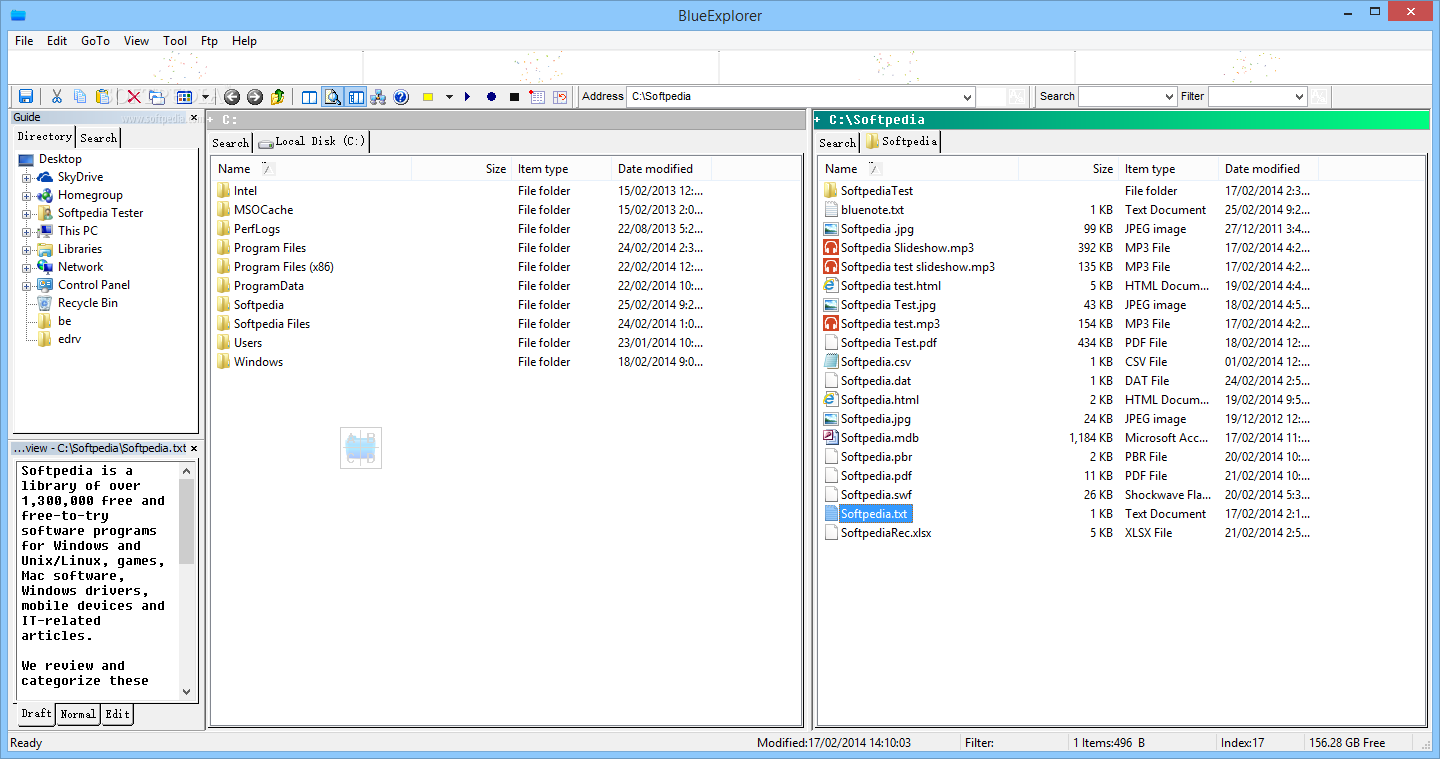
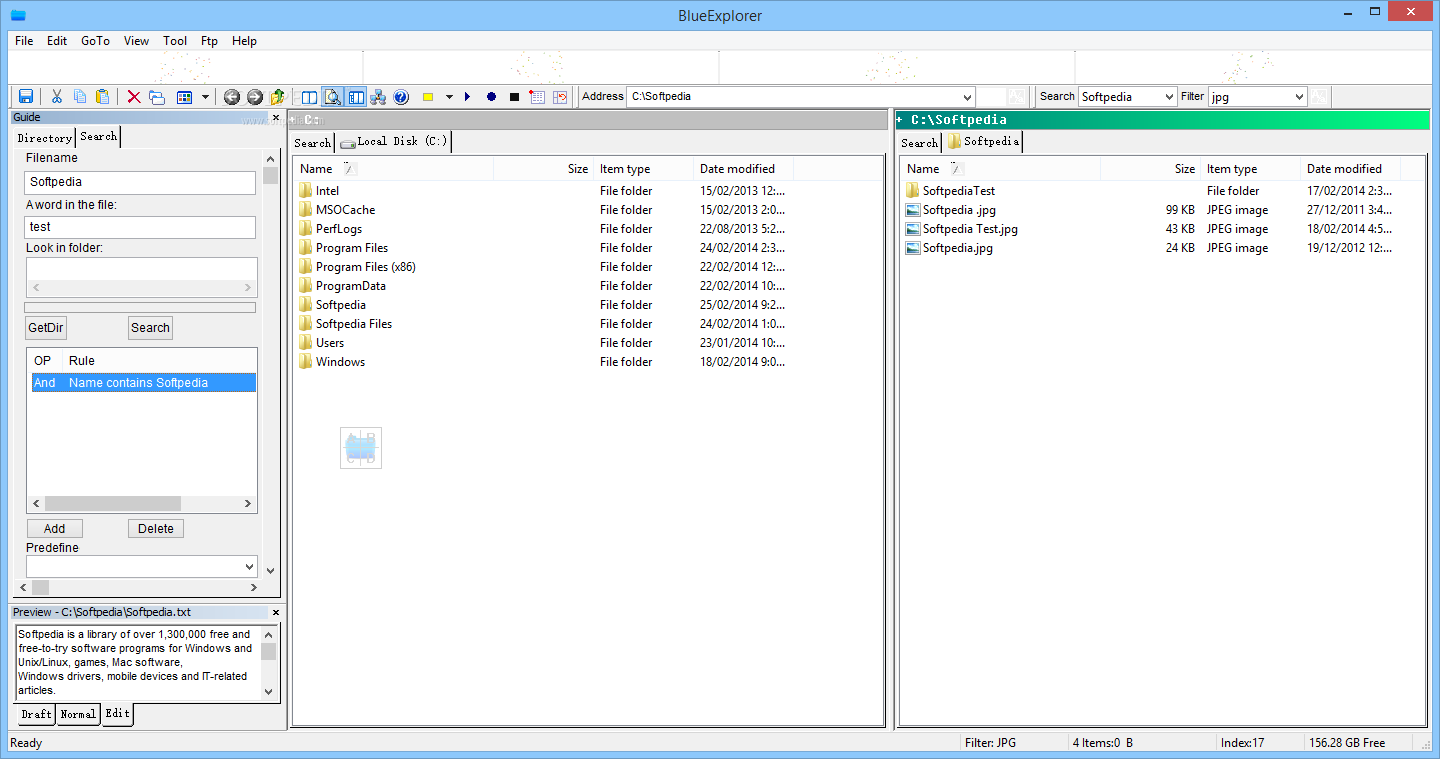
Blue Explorer provides several ways to locate the target folder faster. It also provides several ways to make the switch between folders faster and easier. The most noticeable feature is the super view.
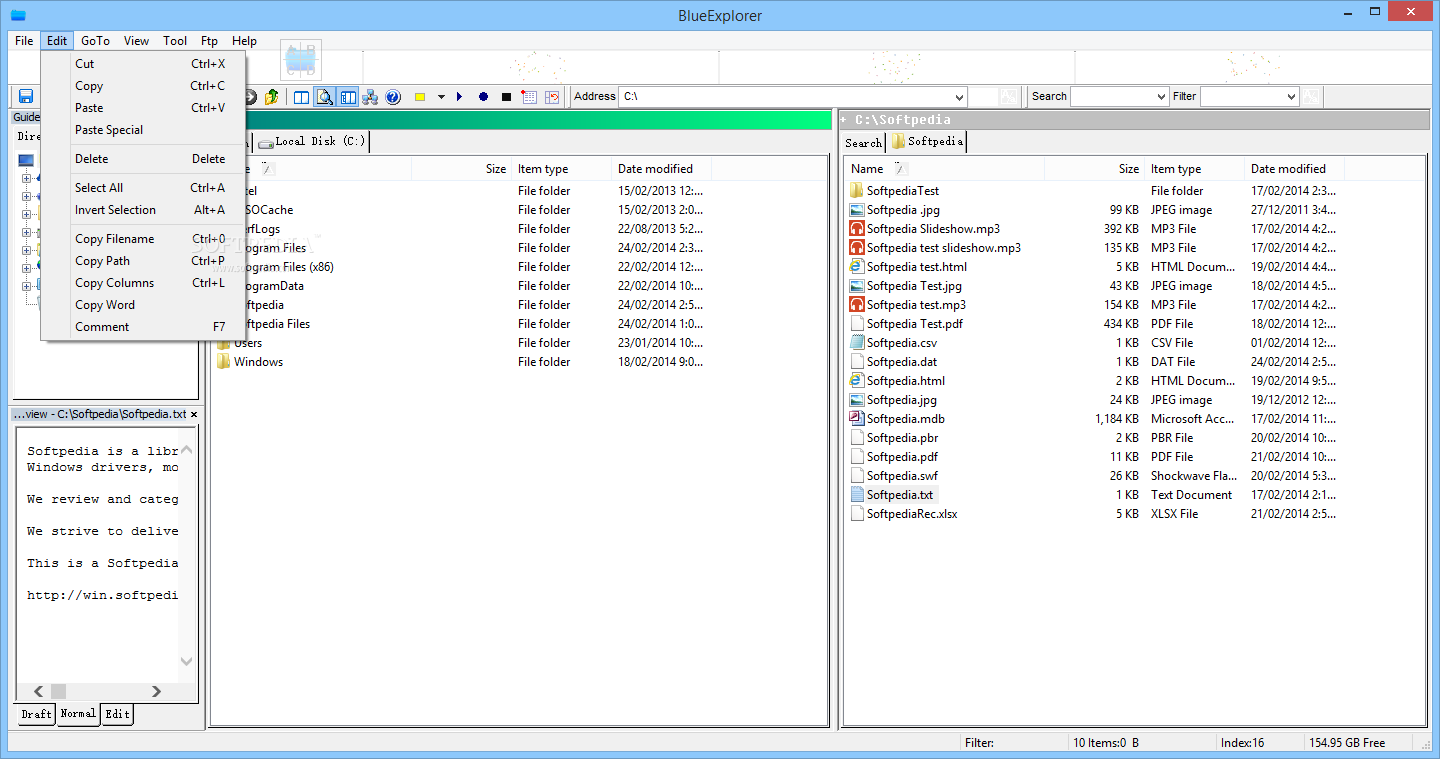
You can browse multi folders in the super view. This is very useful if you need view files under different directories at the same time. You don?t need switch between the folders from time to time.
This also makes you are able to operate (copy/paste/delete) multi files under different folders at same time. Another quick access method is the QuickGo Bar. You can add your preferred folders to the QuickGo List at first.
Then you can directly go to the folder by input part of the folder name in QuickGo Bar. The input box will automatically complete the folders according what you input. This makes it faster for you to switch to desired directory directly.
Blue Explorer description
Blue Explorer makes it easier for you to locate and organize folders and files in your computer.
Current windows explorer is a clumsy TreeView on the left showing folders and a ListView on the right that supports various views of the files in a single folder with a dropdown address box above.
Blue Explorer provides several ways to locate the target folder faster. It also provides several ways to make the switch between folders faster and easier. The most noticeable feature is the super view.
You can browse multi folders in the super view. This is very useful if you need view files under different directories at the same time. You don?t need switch between the folders from time to time.
This also makes you are able to operate (copy/paste/delete) multi files under different folders at same time. Another quick access method is the QuickGo Bar. You can add your preferred folders to the QuickGo List at first.
Then you can directly go to the folder by input part of the folder name in QuickGo Bar. The input box will automatically complete the folders according what you input. This makes it faster for you to switch to desired directory directly.


